
Mateusz M.

Mateusz M.

Articles (7)

Using LinuxCNCMateusz M.

Which CAD/CAM Software for a Hobby CNC Mill? Free vs Paid

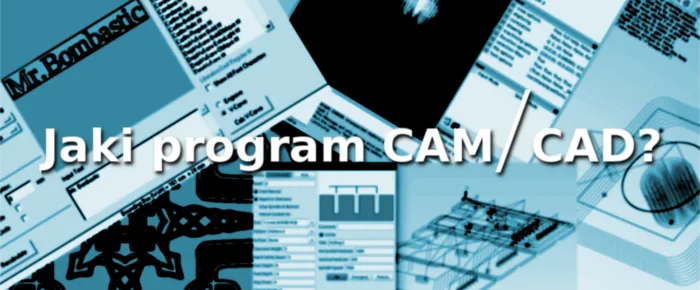
Even before building or buying a CNC machine, we face the dilemma of choosing software for modelling and for generating the code the mill understands. For home use and small workshops, free programs are the safest bet, but are they better than paid ones? This article covers the pros and cons of all the programs we have used, a description of common CNC operations and a short summary of the basic G-code commands.


Using LinuxCNCMateusz M.

Things to Do After Installing LinuxCNC

The LinuxCNC distro works correctly right after installation, but you will want to change some options, such as the key configuration or how the program behaves. It is not a simple task: not every setting has a graphical manager, and some changes go into .ini files or the axis file, which is written in Python. We will also use a few terminal commands. Below are the more important changes, followed by the less essential ones. Let's get to work.

Using LinuxCNCMateusz M.

Basic Changes in LinuxCNC (translated from Polish)

Once properly configured, LinuxCNC works correctly. Still, you will sometimes want to change a few options, such as the key configuration or how the program behaves. That is not easy, because some settings are stored in .ini configuration files and others in the axis file, which is written in Python. Below we present the basic changes that make working with the program easier.

Using LinuxCNCMateusz M.

Installing and Configuring LinuxCNC with StepConf

LinuxCNC is completely free software for running CNC machines, lathes and more, and a must-have for beginners and garage hobbyists. We only cover the basics of installation here and focus on configuring stepper motors and preparing the machine for its first cut. LinuxCNC also supports servo motors, but we haven't had a chance to play with them yet.